Engineering problem
Run a visually heavy scroll-driven WebGL experience in a production React application without turning every animation frame into React state or making the rest of the site depend on the canvas.
Run a visually heavy scroll-driven WebGL experience in a production React application without turning every animation frame into React state or making the rest of the site depend on the canvas.
Frontend Engineer / Designer. I built the Next.js application, WebGL scene, animation orchestration, Blender-to-web asset pipeline and performance fallbacks.
Server-rendered route/content layer + isolated client WebGL components + mutable Three.js state + GSAP timeline + shader-driven screen textures
A responsive bilingual site where 3D, motion and product content behave as one interface while still degrading safely on constrained devices.
Woby is a production website where the main interaction is not a conventional DOM page but a continuously changing WebGL scene coordinated with interface content and scroll state. I built the experience in Next.js and React while keeping rendering, animation and route composition separated enough that the site could remain maintainable outside the 3D layer.
The page uses Next.js App Router for route and content composition, while animation-heavy behaviour lives in client-side components. Continuous camera motion, object transforms and material updates are kept in mutable Three.js/GSAP state instead of triggering React renders on every scroll update.
GSAP acts as the orchestration layer between scroll position, copy transitions, camera movement, baked model animation and screen content. This keeps one deterministic timeline responsible for the experience instead of distributing animation state across unrelated React components.
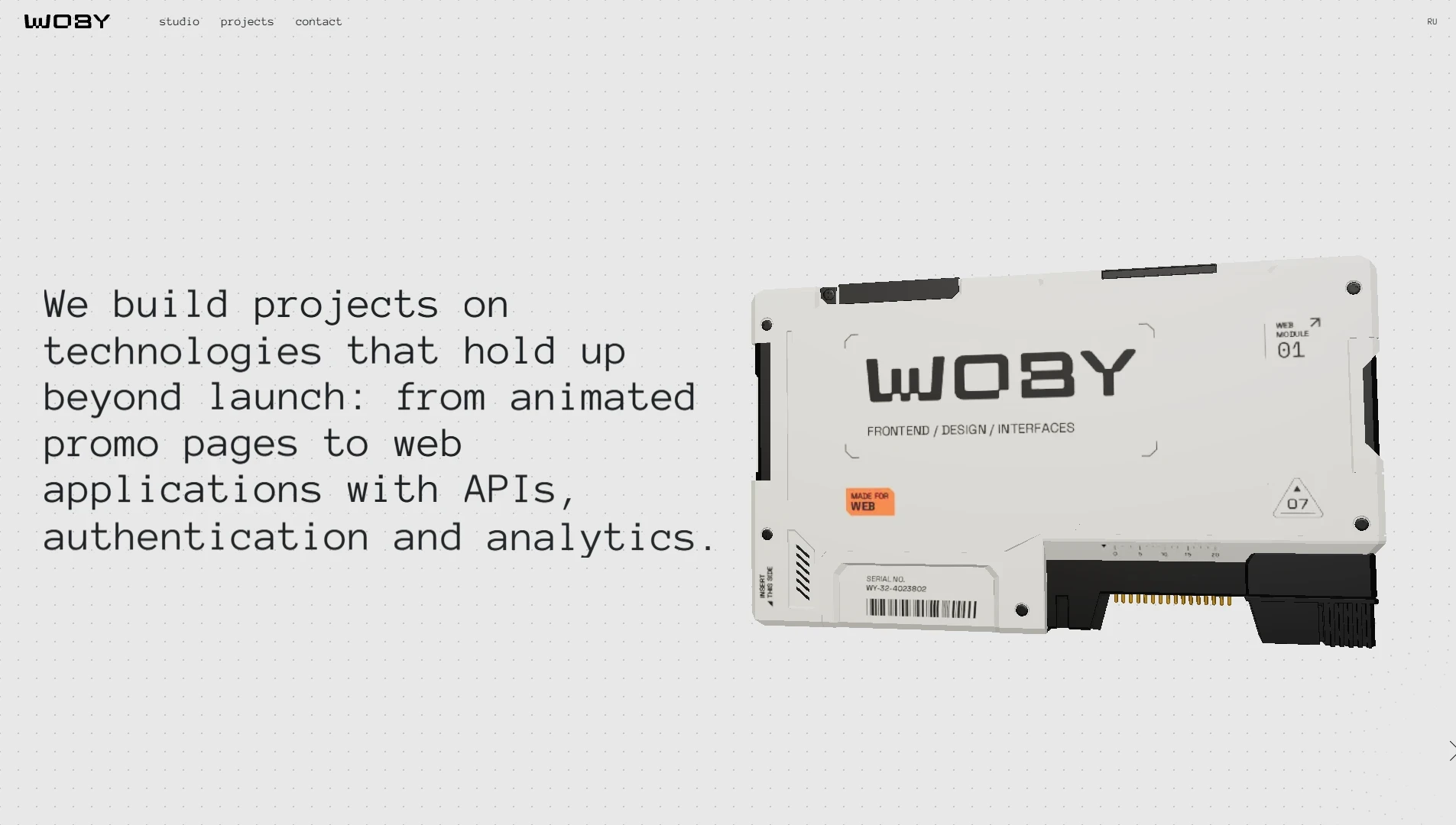
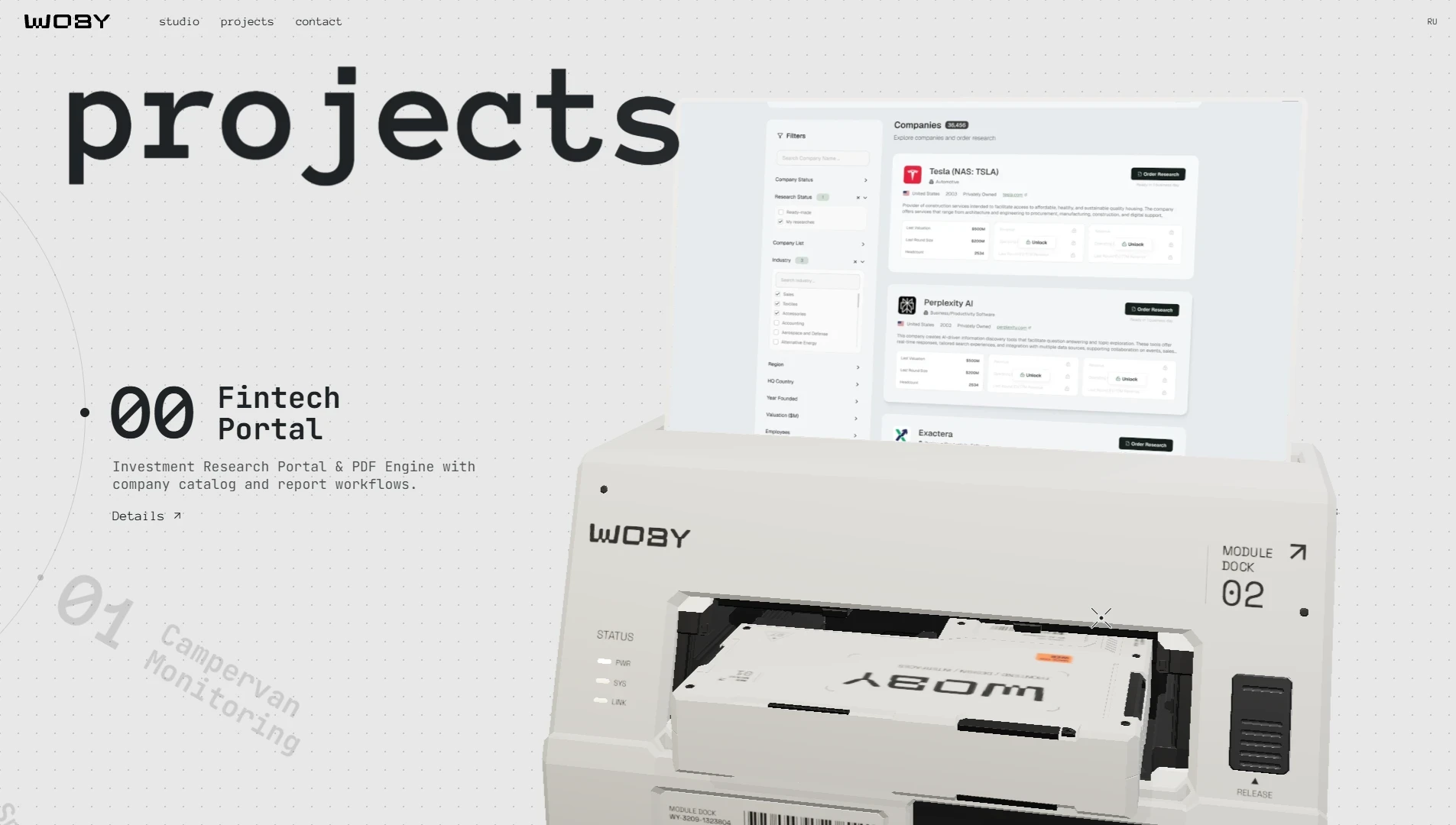
The central 3D object is exported from Blender and used as an interface surface, not a decorative background. Its display changes with the current section and project state, so geometry, UV mapping and screen textures become part of the application data flow.
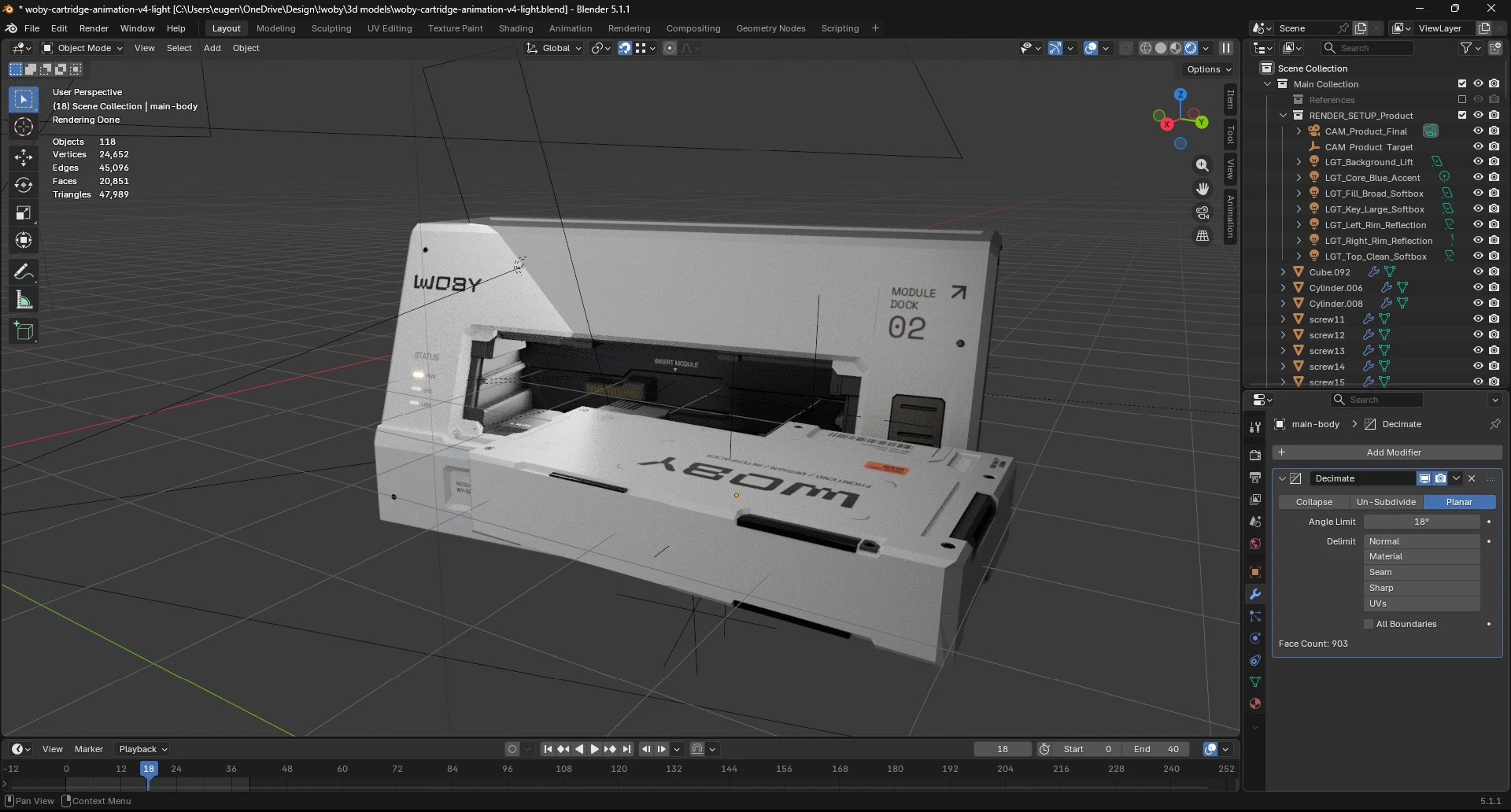
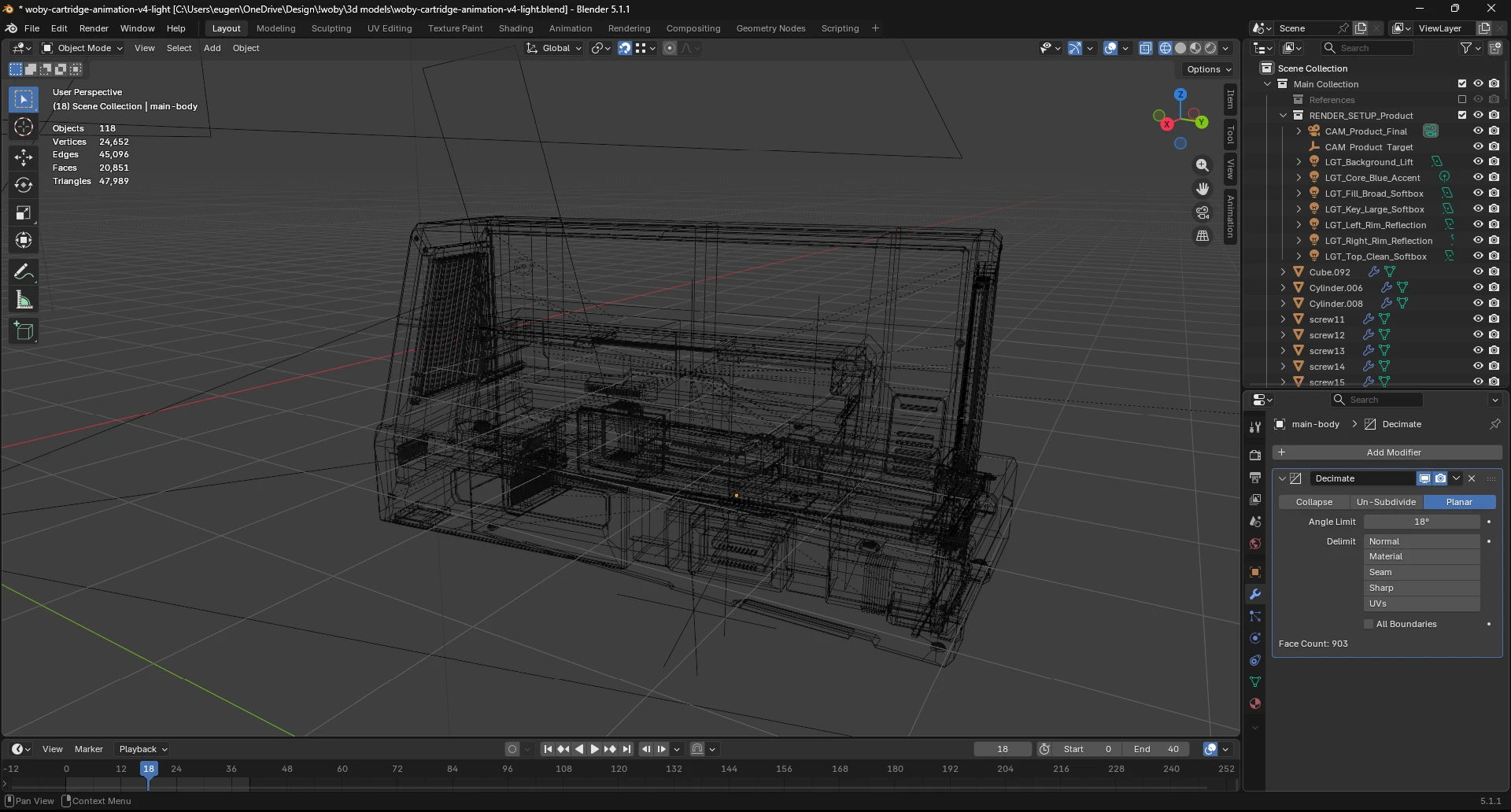
Project imagery is rendered onto the device display using generated UV coordinates and shader-controlled textures. Screen changes are coordinated with the same timeline that drives camera and DOM transitions, keeping visual state aligned across the WebGL and HTML layers.
The scene is intentionally isolated from ordinary application state. React decides high-level content and lifecycle; Three.js and GSAP handle frame-by-frame interpolation. That boundary prevents the most expensive part of the page from forcing unnecessary component updates.
The production build uses responsive camera configurations, reduced-motion behaviour, dynamic loading, WebP/CDN media, conservative canvas settings, explicit GPU cleanup and a decimated 3D model. These are not polish steps: they are what makes a WebGL-heavy landing page viable across laptops and mobile hardware.
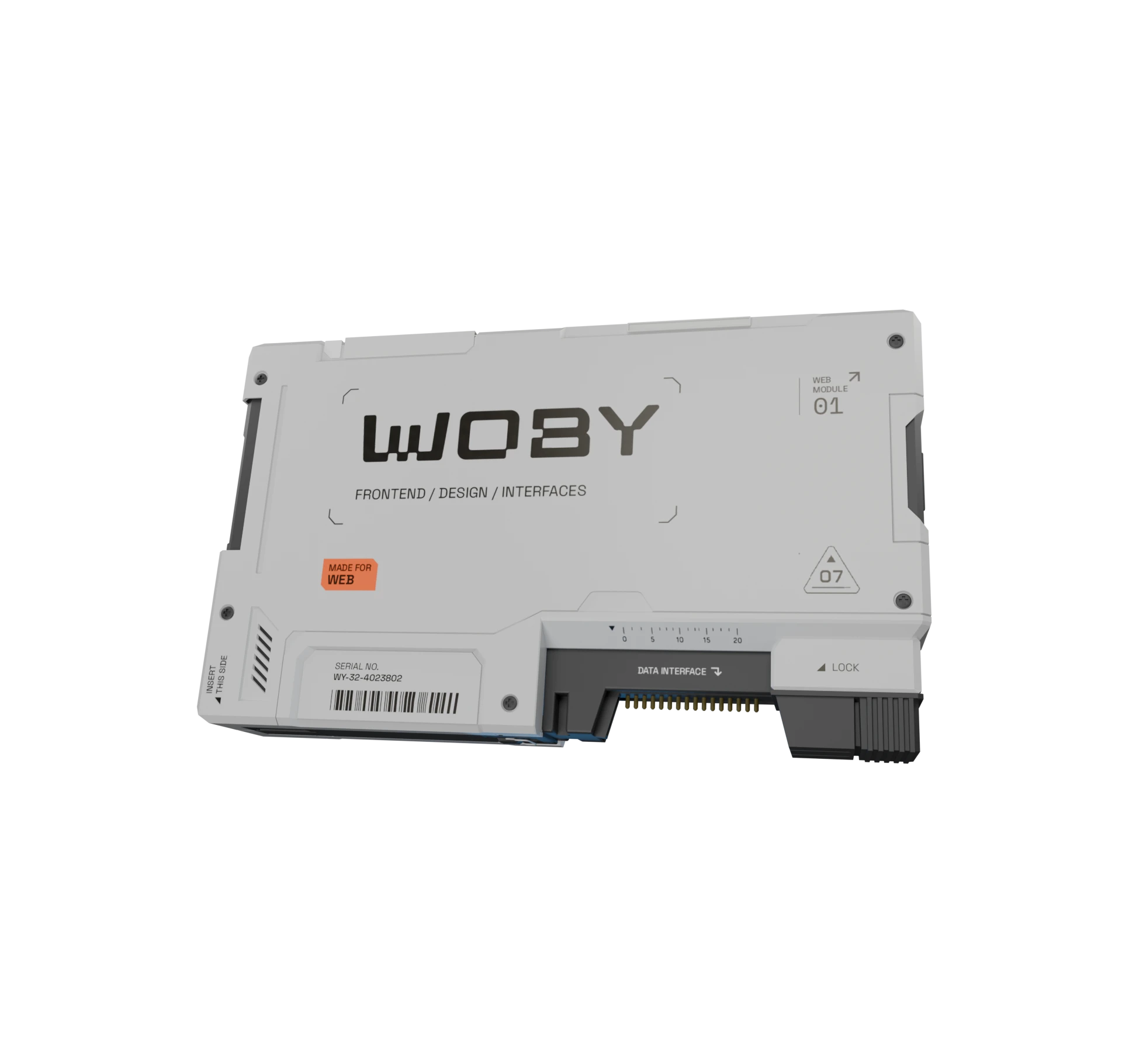
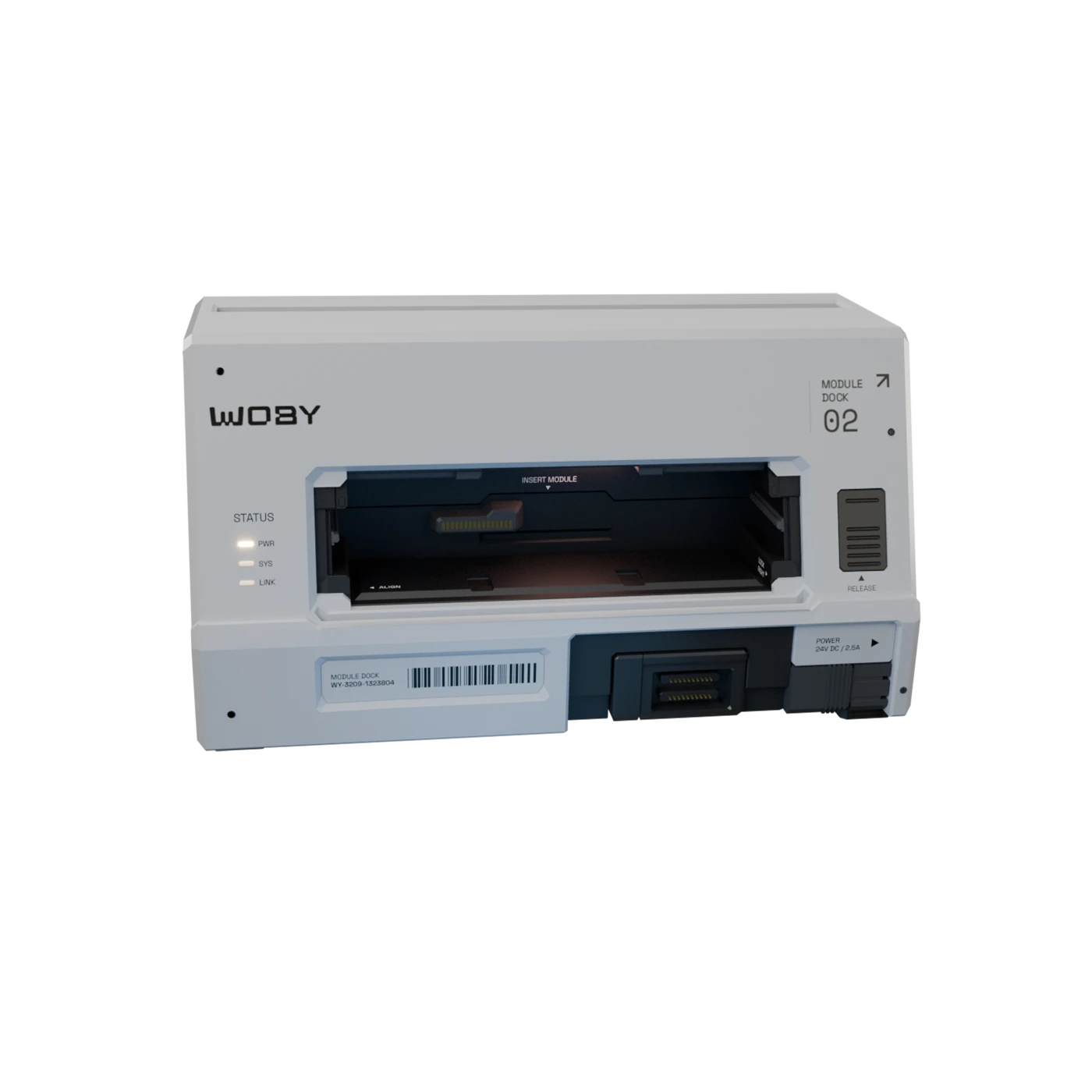
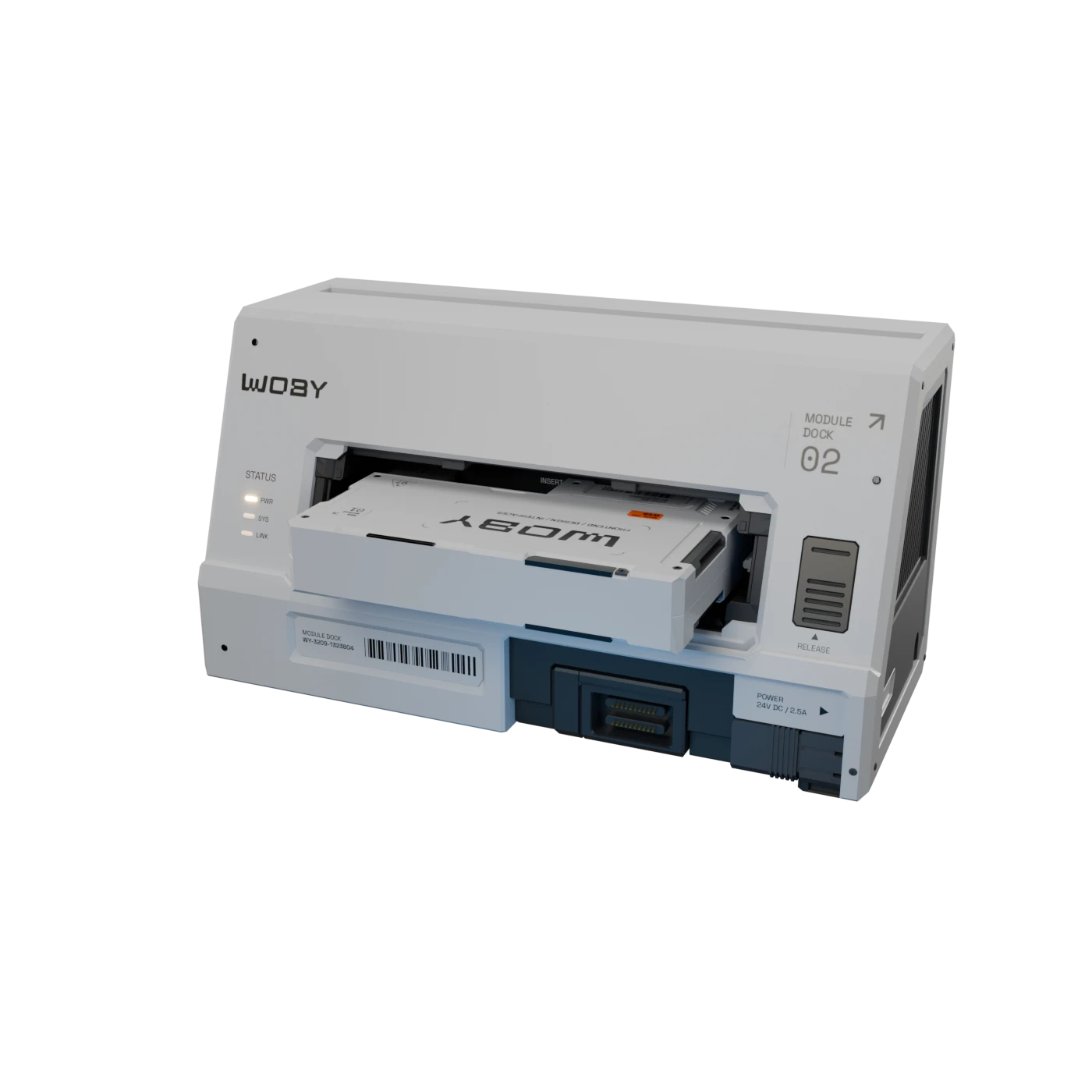
This project is useful in the portfolio because it covers a different frontend problem from the product dashboards: coordinating React, a real-time render loop, shader-driven media, 3D assets and scroll interaction inside one deployable web application.